
How do you assign stock codes?
A stock code is a short code that identifies a product on its own, independently of its name; a good stock code is unique, of fixed length and free of Turkish-specific letters, and it carries no information that changes, such as price, supplier or shelf. The most balanced scheme for small businesses is a category prefix combined with a sequence number: KRT-0001. For a product with a manufacturer’s barcode, the barcode takes the place of the code; the internal code is given to products without a barcode.
Stock without a code runs on product names: “A4 paper” and “A4 Paper 80gr” look like two separate products, and in a count one comes up short and the other over. This guide explains what a stock code should look like, three coding schemes, examples by industry, products with variants and generating the code automatically in Excel.
What should a good stock code look like?
| Rule | Reason |
|---|---|
| Unique | A code belongs to one product only. The code of a discontinued product is not given to another product; if it is, the old sales and count records look like the new product’s history. |
| Short | A code of no more than eight to ten characters produces fewer errors both when typed by hand and when read on a label. A long code is a sign of loading meaning into it. |
| Fixed length | Pad the sequence number with leading zeros (0001, 0002…). In a list sorted as KRT-1, KRT-10, KRT-2, finding a product gets harder. |
| Carries no changing information | Information that changes over time, such as price, supplier, shelf or a colour promotion, is not put into the code. When the information changes, either the code gives wrong information or it is changed and the link to past records is broken. |
| Contains no easily confused characters | Turkish letters (ç, ğ, ı, İ, ö, ş, ü), spaces and look-alike characters such as O/0 and I/1 are not used. Turkish letters cannot be encoded in common barcode types; spaces and look-alike characters cause errors in manual entry. |
| The rule is written down | Which prefix belongs to which category and where the next number comes from are kept in a single list. A coding scheme whose rule only one person knows breaks down when that person is away. |
Three coding schemes
| Scheme | Example | Strength | Weakness |
|---|---|---|---|
| Sequence number only | 000123 | The simplest scheme and one that never breaks; the code carries no information. | You cannot tell what the product is from the code; searching by hand among hundreds of items is hard. |
| Category prefix + sequence | KRT-0001 | The product group can be read from the code and the sequence number ensures uniqueness. The most balanced choice for most small businesses. | If a product changes category, the code keeps showing the old category; this is accepted and the code is not changed. |
| Meaningful (structured) code | KRT-A4-80-500 | The product’s attributes can be read from the code; it brings order to products with many variants. | It gets long, the rule expands with every new attribute, and if changing information has gone into the code, the code starts giving wrong information. |
If you are unsure, choose the second scheme. The appeal of a meaningful code is being able to read the product from the code; but the product name already does that. The job of a code is not to be read but to identify the product without confusion.
Stock code examples
How the category prefix + sequence scheme looks in different businesses. The codes and products are only examples:
| Business | Stock code | Product | Note |
|---|---|---|---|
| Stationery | KRT-0001 | Copier A4 Copy Paper 80 g, 500 sheets | Prefix + sequence; for a product with a barcode, the manufacturer’s barcode is also written on the card. |
| Hardware | HRD-0142 | Galvanised screw 4×40 mm, box of 100 | The size goes in the product name, not the code; the 4×50 of the same screw would be HRD-0143. |
| Clothing | GYM-0027-KRM-M | Basic T-shirt, red, size M | Main model code + colour + size suffix; since each colour-size is stocked separately, each has its own code. |
| Spare parts | YDK-0310 | Brake pad (manufacturer part no. 04465-XXXXX) | The manufacturer’s part number is kept in a separate field or in the product name; the internal code stays short. |
| Grocery / food | 8690000000000 (EAN-13) | Packaged product | The manufacturer’s barcode is already a unique code; there is no need to assign an internal code as well. Weighed and loose products get an internal code. |
Stock codes for products with variants
Every product that differs in colour, size or weight and is stocked separately has its own code. If red and blue T-shirts are counted together under one code, you cannot see which one has run out, and the ordering decision is wrong too. There are two ways:
A new sequence number for each variant. TSH-0012 red M, TSH-0013 red L. The code stays short and the variant information is in the product name. Enough for businesses with few variants.
Main code + fixed suffix. GYM-0027-KRM-M, GYM-0027-KRM-L, GYM-0027-MAV-M. All variants of the same model line up side by side in the code. Fix the suffix abbreviations (KRM, MAV, S, M, L) in a list; if two different abbreviations are used for the same colour, the scheme falls apart.
How to create stock codes: six steps
1. List your categories
Split your products into 5–15 main groups and give each group a two- or three-letter prefix with no special characters (such as ç, ş or ı): KRT (stationery), TMZ (cleaning), HRD (hardware). Keep the number of groups small; opening a new prefix for every minor difference turns your coding into a tangle of meaningful codes.
2. Decide the number of digits
Check how many products your largest group has today and how many it could reach within a few years. Three digits are enough if it will stay under 1,000, and four if it will stay under 10,000. Adding digits later means changing every code; choosing one digit too many costs almost nothing.
3. Set a variant rule
If the colour, size or weight of the same product is stocked separately, each one gets its own code. Either give every variant a new sequence number (TSH-0012, TSH-0013) or add a fixed-length suffix to the base code (GYM-0027-KRM-M). Whichever you choose, use it for all products.
4. Set aside products with barcodes
For products that carry a manufacturer barcode, the barcode is already a unique code, so you don't have to assign a separate internal code. Give internal codes only to products without barcodes, sold by weight, or made by you; how to tell which products have barcodes is covered in the barcode inventory tracking guide.
5. Assign the codes and write down the rules
In each group, assign codes in order starting from 0001. Keep the prefix list and the last number used in each group in one place; when a new product arrives, one person or one rule should be the only source of its code.
6. Label products and record the code on the card
Write the code on the product's stock card and stick its label on the shelf or the product. All the card fields where the code is entered are covered in the what is a stock card and how to create one guide.
Creating stock codes in Excel
If your product list is in Excel, you can generate the codes with a single formula. Put the product name in column A and the category prefix (KRT, TMZ…) in column B. Type the following in cell C2 and drag it down:
=B2&"-"&TEXT(COUNTIF($B$2:B2,B2),"0000")
Because the formula counts each prefix separately, KRT items are numbered from KRT-0001 and TMZ items from TMZ-0001. In Turkish-language
Excel the same formula reads =B2&"-"&METNEÇEVİR(EĞERSAY($B$2:B2;B2);"0000").
Important: once the codes are generated, copy column C and paste it as values. If the codes stay as formulas, they renumber themselves whenever you insert a row, delete a row or change the sort order, and yesterday's KRT-0014 ends up pointing to a different product today. To keep your codes in ready-made columns, you can use the free inventory tracking Excel template.
Moving from scattered codes to a new system
When cleaning up a list in which different people have assigned codes in different ways over the years, don't delete the old codes: keep an old code column in the list and write the new code next to it. Time the switch for a stocktake day; let the opening stock of the cards created with new codes come from that count. Old codes will keep appearing on past invoices and in supplier correspondence for a while, so keep the old-to-new mapping list. How to organise a stocktake day is covered in the how to do a warehouse stocktake guide.
Stock codes in Ofisx
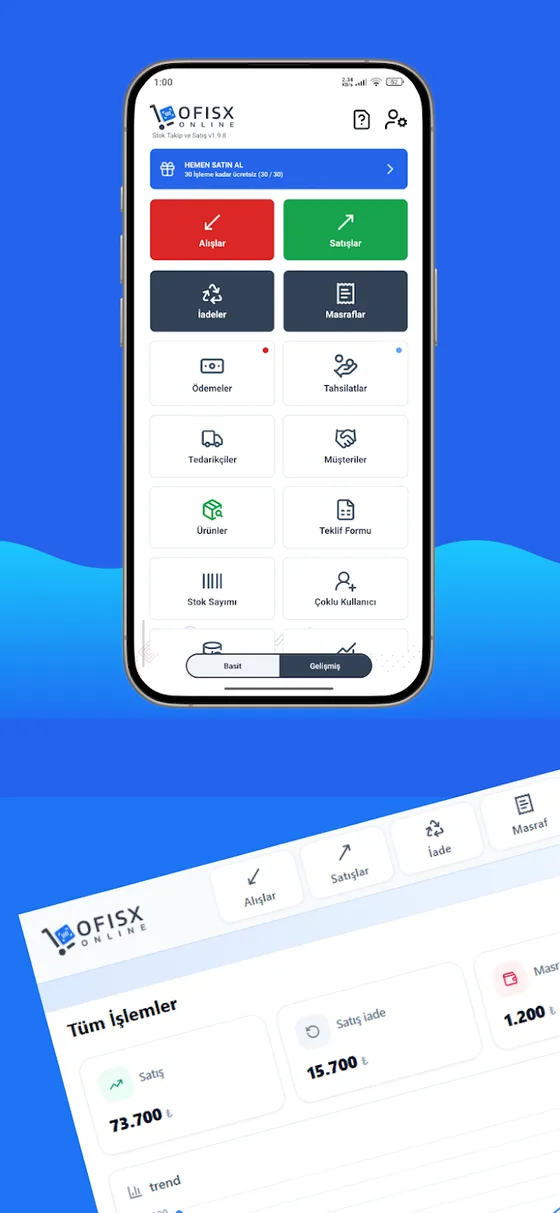
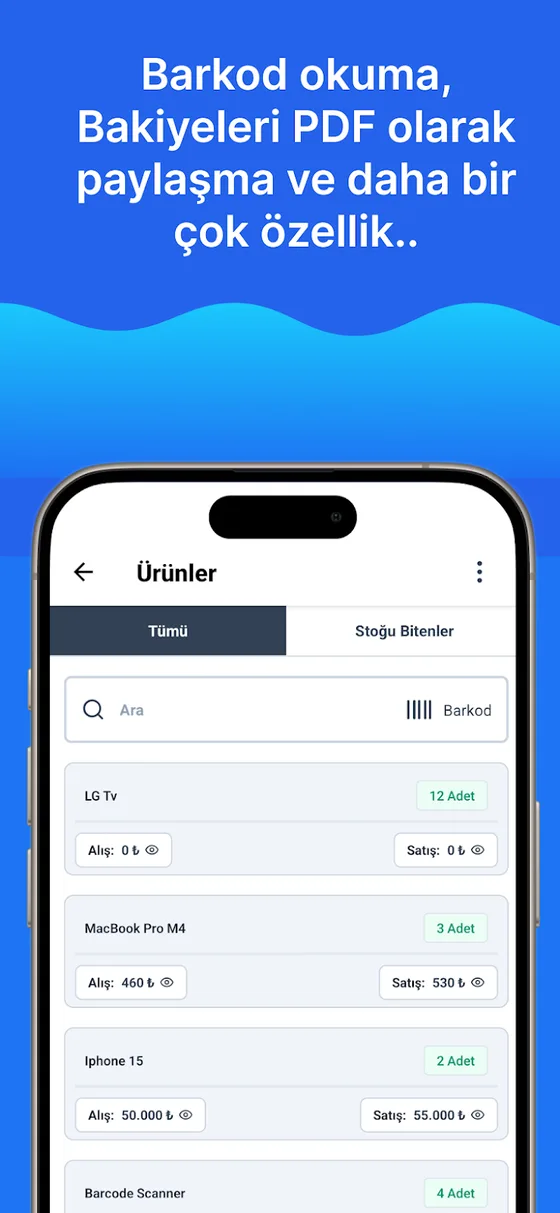
Ofisx's add-product form has no separate “stock code” field; the code that identifies a product is the Barcode field. For a product with a manufacturer barcode, you scan the barcode; for a product without one, you type the internal code you assigned (such as KRT-0001) into the same field. To define both the manufacturer barcode and an internal code for one product, you need more than one barcode; this is the Multiple Barcodes feature, and it is part of Premium. Instead of entering a product list whose codes you prepared in Excel one by one, you can import it; once the cards are created, sales, goods receiving and stocktakes are done by scanning that code.
Frequently asked questions
What is a stock code?
A stock code is a short code that identifies a product on its own, independently of its name. In sales, goods receiving, stocktakes and reports, this code is used instead of the product name, so differently spelled names of the same product don't look like separate products.
What should a stock code look like?
It should be unique, short, of fixed length, and free of special characters and spaces. Information that can change, such as price, supplier or shelf, should not go into the code. The most common and balanced format is a category prefix plus a sequence number: KRT-0001.
Is a stock code the same as a barcode?
They do the same job, but they come from different sources. A barcode is usually the code the manufacturer assigns to the product and prints on the packaging; a stock code is one the business assigns itself. For a product that has a barcode, the barcode can be used in place of a stock code; for a product without one, an internal code is assigned, and a barcode label for that code can be printed if you wish.
Is a stock code the same as an accounting account code?
No. A stock code identifies a single product; an accounting account code refers to the account in which inventory as a whole is tracked. For questions about the chart of accounts, consult your accountant; you set up the stock code system yourself, based on the needs of your warehouse and sales operations.
How many digits should a stock code have?
The sequence number after the prefix should be long enough for the size your largest product group will reach in a few years: three digits for under 1,000 products, four for under 10,000. Keeping the total length, prefix included, to eight to ten characters reduces errors in manual entry.
If the same product comes from a different supplier, should it get a separate stock code?
No. If the product is the same, the code is the same; the supplier is not written into the code. Opening a separate code per supplier splits the stock of the same product in two, and one runs out while the other appears to sit on the shelf.
How do you generate stock codes automatically in Excel?
Write the category prefix in a column, and with a single formula that combines the TEXT and COUNTIF functions you can number each prefix from 0001 independently; the formula itself is in the Creating stock codes in Excel section. Once the codes are generated, copy the column and paste it as values; otherwise the codes change by themselves when a row is deleted or the list is sorted.
Last updated: 2026-09-30
Entering and removing stock by code and barcode in the app
Write the code on the card once; sales, goods receiving and stocktakes are then done by scanning that code.


Import your coded product list
Open a free account and import the product list you coded in Excel; your stock cards will be ready in minutes.