Product and stock card
Keep each product's current quantity, purchase and sale price, VAT rate and barcode on a single card. Product images and multiple barcodes are included in the Premium plan.
Ofisx warehouse tracking software brings together each product's current quantity, barcode entry and exit, low-stock alerts, inventory counting, customer accounts and profit-VAT reports in one place. It is used with the same account from a web browser and from the Android and iPhone apps.
If you are wondering in what order to set these features up in your warehouse, take a look at the guides section. We compared, line by line, which of the features below are available in the free account and which are included in the Premium plan on the free version page.
Keep each product's current quantity, purchase and sale price, VAT rate and barcode on a single card. Product images and multiple barcodes are included in the Premium plan.
Scan the barcode with the phone's camera so goods receipt, counting and sales are processed in seconds. Adding more than one barcode to a product is included in the Premium plan.
Set a minimum level for each product and get an automatic notification when stock falls below it. Don't miss sales, and don't overbuy either.
Count from your phone: the system quantity and the counted quantity side by side, with the difference and the loss amount calculated instantly.
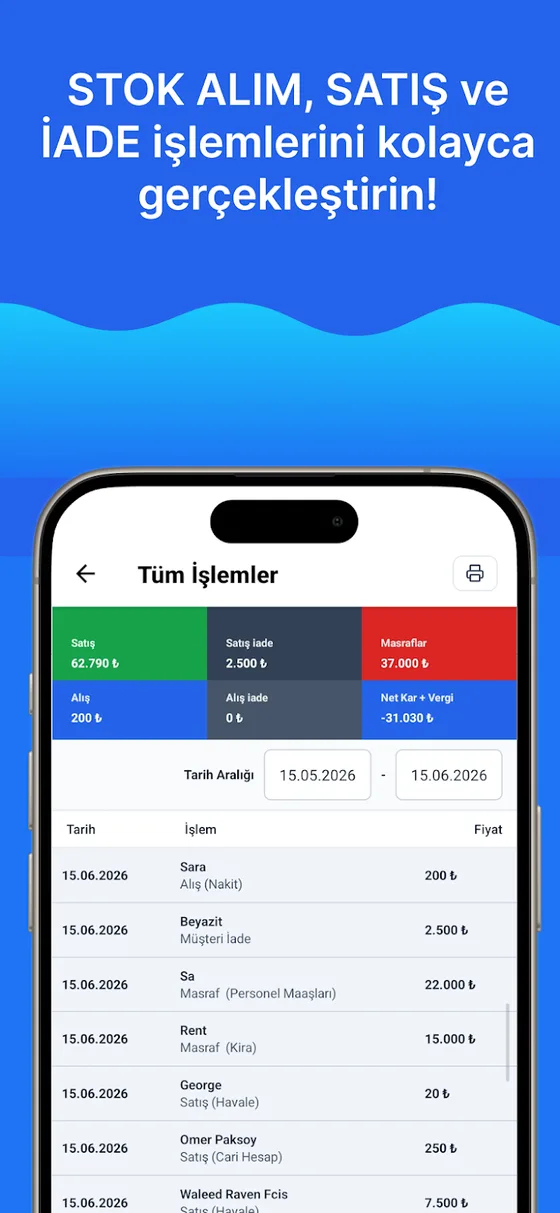
How much does each product earn, what is in the till at month end? Profit-loss, turnover, VAT and best-selling product reports are ready.
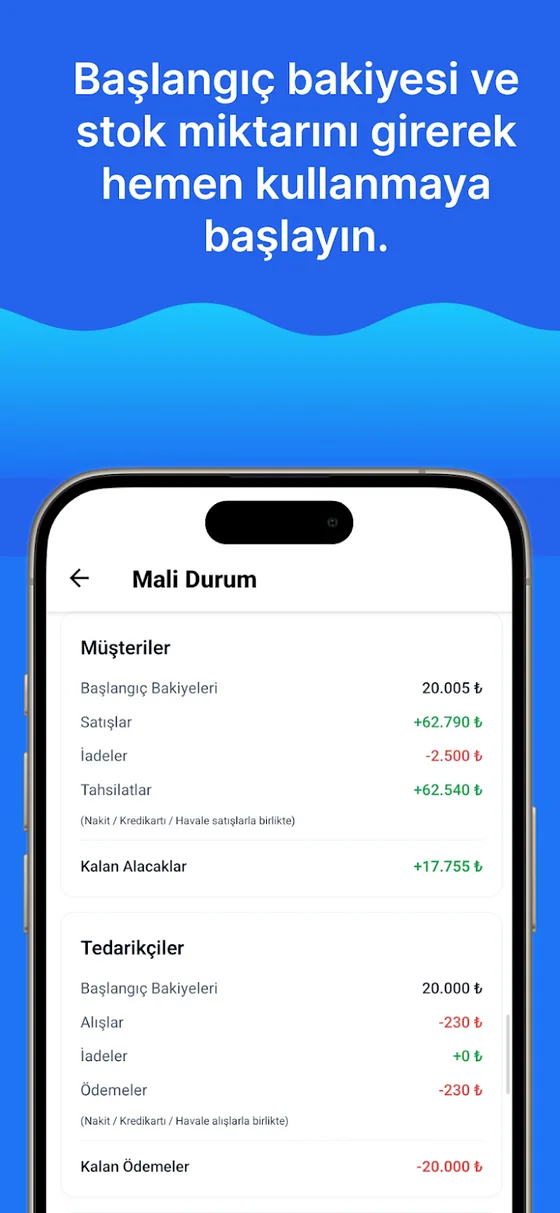
Customer and supplier balances, collection and payment records, due-date tracking — in the same program as stock.
Prepare quotes for customers and record your business expenses; both are reflected in the profit calculation.
Upload your existing product list from an Excel file in one go, and export reports as Excel.
Your data is in the cloud; your account stays even if you change phones. Work with the same account from the web, iPhone and Android.
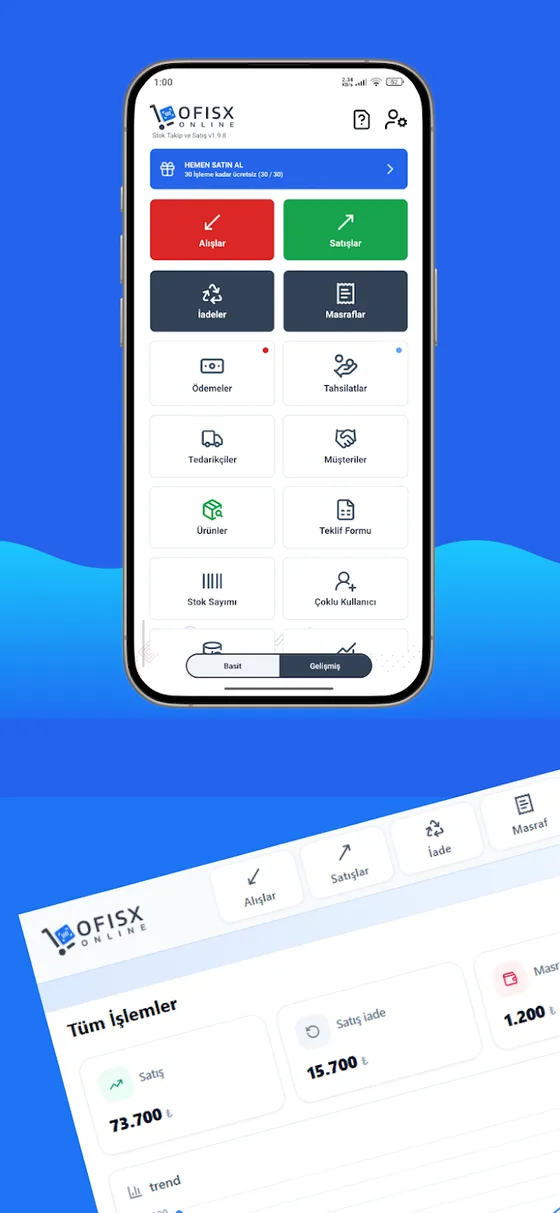
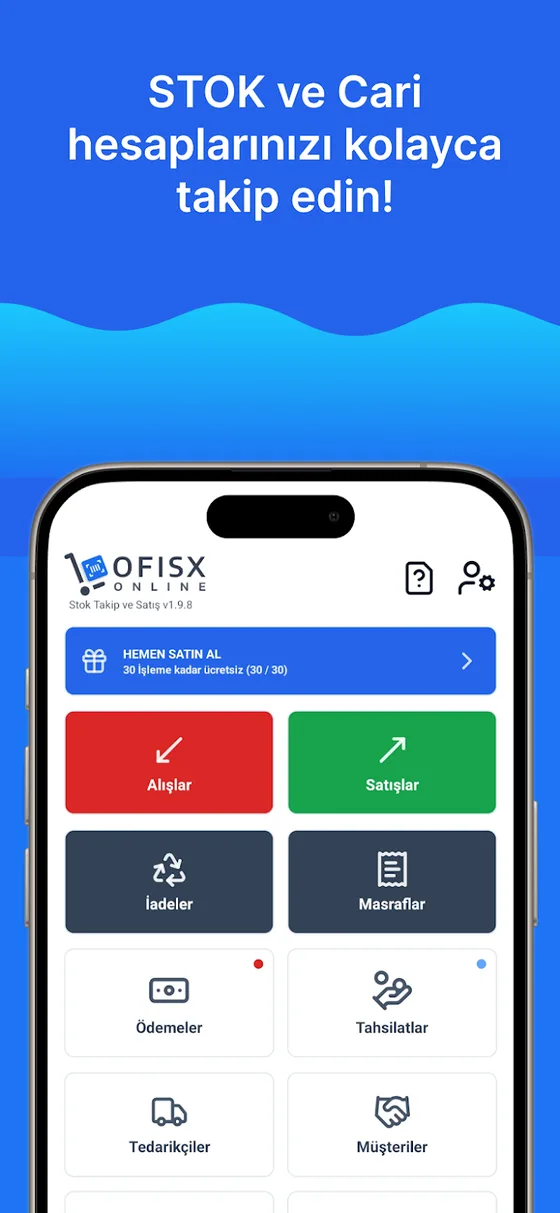
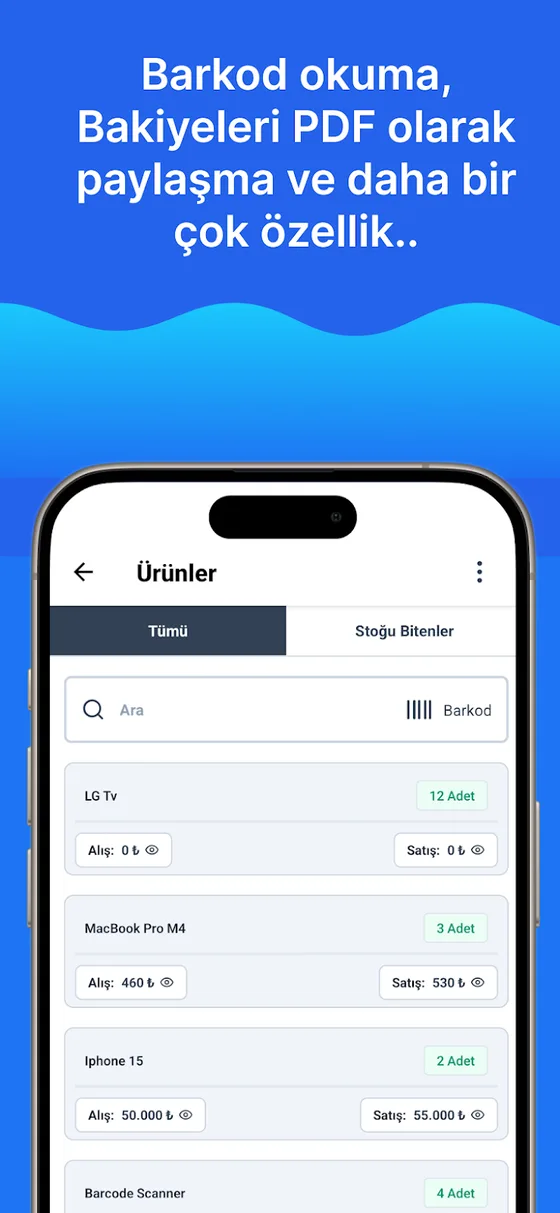
There is a separate version for warehouses without internet: data is kept on the device and backed up with Google Drive or iCloud. Multi-user support and the web panel are not available in this version.
With a free account you can see all the screens.