
How to track warehouse inventory
Warehouse inventory tracking rests on four things: every product has a unique code, every shelf has an address, every movement (receipt, dispatch, transfer) is recorded, and the records are compared with reality through regular counts. Once these four are in place, the questions “where is the product”, “how many are left” and “when should I order” answer themselves.
1. Assign product codes
Give every product a unique code (or barcode). Without a code, the same product gets split into three — “A4 paper”, “A4 Paper 80gsm”, “a4 paper” — and stock never matches. For products that have a barcode, using the manufacturer's barcode is easiest; for those without one, generate your own internal code and label them. We explained which fields should sit next to the code on the card and how to assign codes in the what is a stock card and how to create one guide.
2. Label the shelves
This step is entirely physical: give each shelf a simple address in an aisle–rack–slot logic and write it on the shelf (like A-03-2). Whoever is looking for a product doesn't have to walk the whole warehouse, and counting time drops noticeably. You can also track the address in the software by writing it on the product code or category. We explained how to choose an address format, how many levels you need and the details of labeling in the how to set up warehouse shelf addressing guide.
3. Record every movement
Goods receipt, sales, returns, transfers and shrinkage — all of them must be recorded. The most common mistake is writing down the result, “40 left”, and skipping the movement; when a discrepancy appears, you then can't find where it came from.
4. Set the reorder level
The formula is simple: average daily sales × lead time × 1.2. If you sell 12 units a day and the supplier delivers in 7 days, your reorder level is about 101 units. You can do the calculation with the reorder level calculator. Where the formula comes from, how much safety stock you need and sample calculations for different product profiles are covered in detail in the what is a reorder level guide.
5. Count regularly
A count is the only method that shows whether the records reflect reality. Do a full count once a year and a cycle count once a month for fast-moving products. Have any product with a discrepancy counted a second time; most discrepancies are goods on the wrong shelf. If you will do it in Excel, you can use the free warehouse count template. Also see the how to do a warehouse stock count guide, where we cover count-day preparation, the blind count sheet and discrepancy analysis in detail.
When should you move from Excel to software?
If two of these three signs apply, it's time to switch: the number of products has passed a few thousand, more than one person enters data in the same file, or stock and sales/customer accounts are kept in separate places. Software combines all three on one screen, and because it can import your Excel file, you don't have to re-enter everything from scratch.
After setup: managing the process
The five steps here solve the question “how do I keep my quantities accurate”. Once the records are in place, the next question is how to run the process from the moment goods enter the warehouse until they leave: how to handle goods receipt, how to separate types of dispatch, and which four numbers to measure the warehouse by. We covered these in the what is warehouse management and how to do it guide.
Frequently asked questions
How often should a warehouse stock count be done?
A full count at least once a year is essential. For fast-moving products, a monthly partial (cycle) count lets you catch discrepancies before they grow.
How do you set up shelf addressing?
Keep it simple: aisle-rack-slot (like A-03-2). Label the shelf and record the address against the product code or category; even a new staff member can find the product. The step-by-step breakdown is in the how to set up warehouse shelf addressing guide.
How can you reduce shrinkage and loss?
Recording every movement, defining reorder levels and counting regularly prevents most losses. The biggest source of loss is usually not theft but unrecorded dispatches; we explained how to separate types of dispatch in the what is warehouse management guide.
Last updated: 2026-09-24
What we described, in the app
Shelf, counting and reorder level screens.
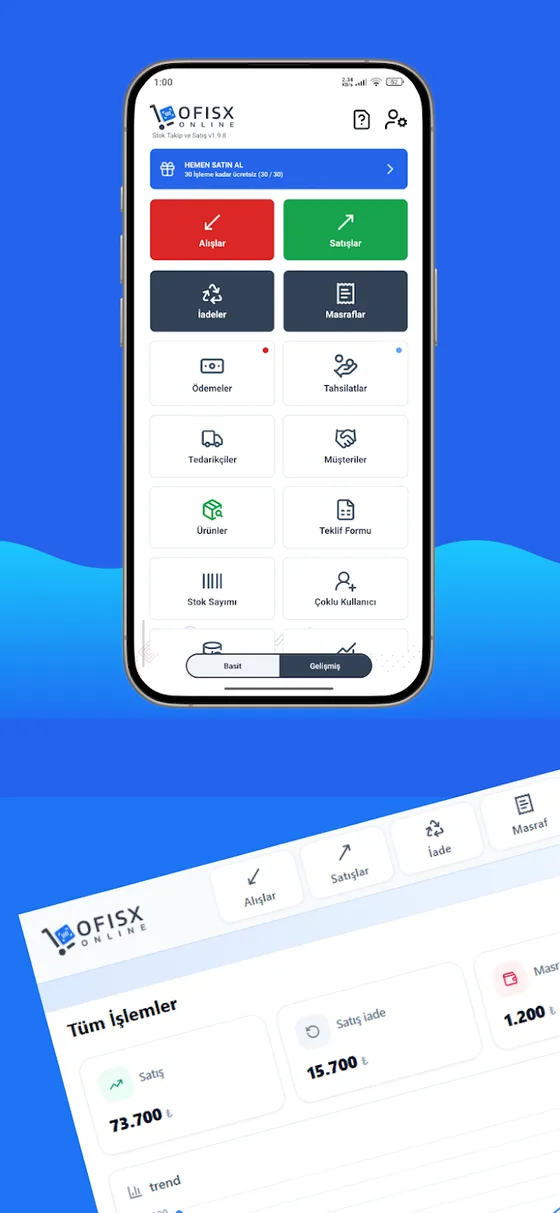
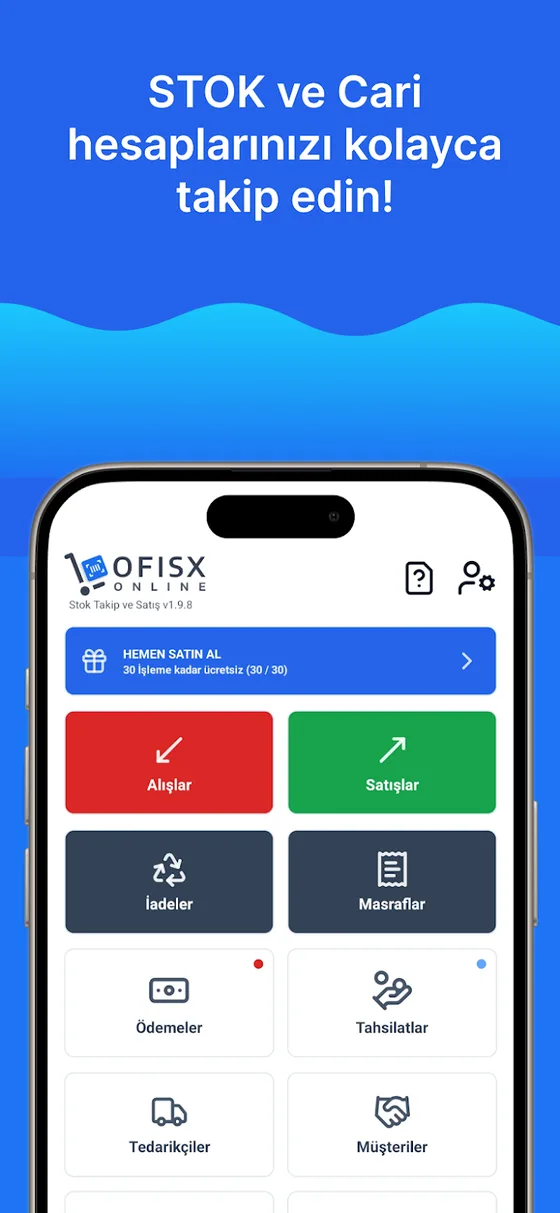
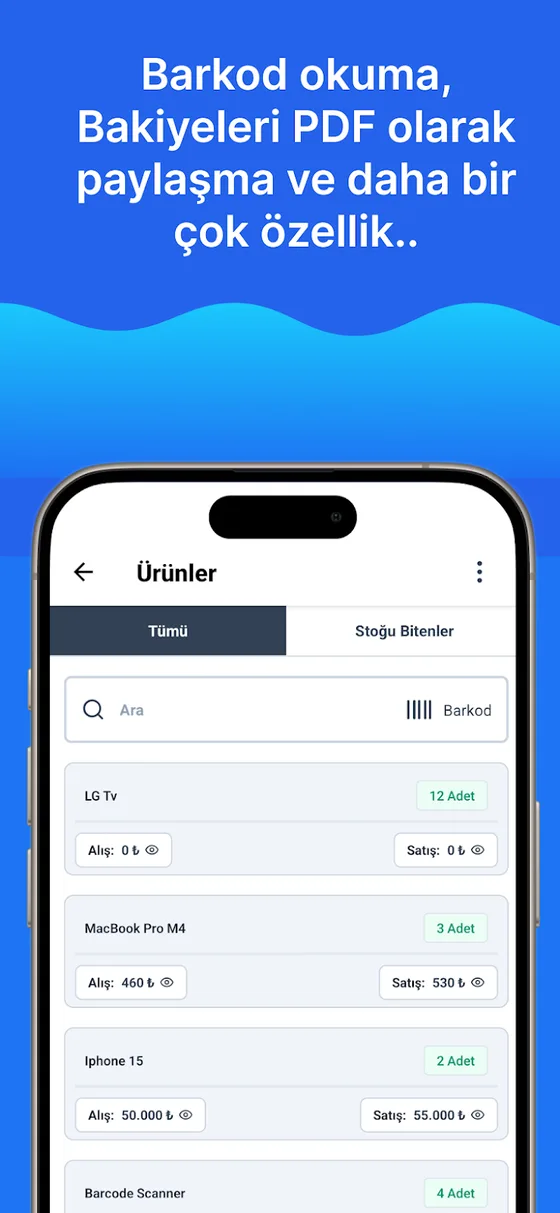

Put the guide into practice in the app
Upload your products, enter reorder levels and do your first count with your phone.