
What is a reorder level?
The reorder level is the threshold at which you need to place a new order once a product's stock falls to that quantity. It is calculated with this formula: average daily sales × lead time (days) × 1.2 — in other words, a 20% safety margin is added to the quantity that will be sold while the goods are in transit. For a product that sells 12 units a day and whose supplier delivers in 7 days, the reorder level is about 101 units. The same threshold is also called the “reorder point”, “minimum stock level” and “re-order point”; all of them mean the same thing.
The purpose of the reorder level is not to keep the warehouse full but to work with as little stock as possible without running out. Set it too high and you tie up cash on the shelf; set it too low and you lose sales.
Where does the formula come from?
Sales don't stop the moment you place an order. While the goods are on their way, products keep leaving the shelf. So when you order, you must have at least as much on hand as you will sell during the lead time. On top of that comes the chance that things won't go as planned: sales may speed up or the supplier may be late. These are the two parts of the formula:
Reorder level = (average daily sales × lead time) + safety stock
In practice, taking safety stock as 20% of the lead-time demand is enough for most businesses; this shortens the formula to daily sales × lead time × 1.2.
Calculate it in four steps
1. Find average daily sales
Divide the number of units of that product you sold in the last 30–90 days by the number of days. If you sold 1,080 units in 90 days, your daily average is 12 units. A short period is misleading: don't take a week with a promotion, or a week with no sales at all, on its own. For seasonal products, looking at the same period last year gives a more accurate result.
2. Measure lead time from actual delivery dates
Don't use the time the supplier quotes; use the time in your own records: the gap between the day you placed the order and the day the goods went onto the shelf. Take the average of your last few orders. This is the step most often skipped, and it makes the reorder level look lower than it really is.
3. Multiply the two: the quantity that will run down during the lead time
Average daily sales × lead time. If you sell 12 units a day and the goods arrive in 7 days, 84 units will leave your shelf after you place the order. This is the minimum quantity you must have on hand at the moment you place the order.
4. Add a safety margin
Sales may speed up and the supplier may be late. To cover these two risks, add 20% to the lead-time demand: 84 + 16.8 = about 101 units. For products with erratic demand or an unreliable supplier, raise the margin to 30–50%; for a supplier who delivers every day without fail, 10% is enough.
Example calculations for different products
The reorder levels of two products in the same warehouse don't have to look alike; what determines them is the product of sales speed and lead time:
| Product profile | Daily sales | Lead time | Sold during lead time | 20% safety | Reorder level |
|---|---|---|---|---|---|
| Fast-moving, nearby supplier | 40 units | 2 days | 80 | 16 | 96 units |
| Medium speed, domestic supplier | 12 units | 7 days | 84 | 17 | 101 units |
| Slow-moving, imported | 3 units | 21 days | 63 | 13 | 76 units |
| Very slow-moving, imported | 0.5 units | 30 days | 15 | 3 | 18 units |
Look at the first two rows of the table: the reorder level of the product that sells 40 units a day is lower than that of the one that sells 12 a day. The reason is lead time. That is why the rule “hold more stock of best sellers” is wrong — what drives the calculation is not sales speed alone but sales speed and lead time together.
Three common mistakes
1. Using the lead time the supplier promises. A supplier who says “I'll deliver in three days” may have taken an average of eight days on their last five deliveries. Measure the actual time in your own records.
2. Setting the level once and forgetting it. When sales speed changes, the threshold loses its meaning. A product that constantly raises alerts, or never does, is a product whose level hasn't been updated.
3. Tracking the same product under two codes. When stock is split across two cards, neither reaches the reorder level and the warning never comes. That is why the product code system comes before the reorder level; first finish setting up your warehouse inventory tracking.
After the calculation: monitoring the threshold
Finding the level is only half the job; the real point is to know when stock falls to that level. In Excel you can color-code it with conditional formatting, and you can do the calculation with the reorder level calculator. If you work with software, you set a minimum level for each product and get a notification when stock drops below it — screenshots are on the features page, and for working in the warehouse from your phone, see the mobile and web versions.
For the reorder level to work properly, the quantity in the system must reflect reality. If the records and the shelf don't match, the alert will come at the wrong time too; that is why regular counts are essential — we explained the steps in the how to do a warehouse stocktake guide.
Frequently asked questions
Are the reorder level and the reorder point the same thing?
Yes, both define the same threshold: a new order is placed when stock drops to that quantity. “Minimum stock level” and “re-order point” are also other names for the same concept.
What is the difference between safety stock and the reorder level?
Safety stock is the buffer portion inside the reorder level. Reorder level = quantity sold during the lead time + safety stock. Safety stock is expected to stay untouched; if it has been touched, either sales sped up or the delivery was late.
Do I have to calculate it separately for every product?
On paper yes, in practice no. Start with the products that carry most of your revenue and calculate those one by one. For the remaining long tail, it is enough to set a common rule for each product group (for example, “two weeks of sales”).
How often should I update the reorder level?
Whenever sales speed or lead time changes. A practical approach is to review the levels of fast-moving products after every stocktake. A level left fixed will, within a few months, either raise false alarms constantly or never warn you at all.
Is there any harm in keeping the level high?
Yes. Excess stock is money sitting on the shelf; it also takes up space and creates a shrinkage risk for products with an expiry date. The aim is not to raise the level as high as possible but to cover the risk of running out at an acceptable cost. To measure how much stock you are carrying, see the what is inventory turnover guide; it is the first metric to drop when you set levels higher than necessary.
Does the formula work for seasonal products?
The formula works, but you need to change the input: instead of the annual average, use the expected daily sales of the coming period. Raise the level before the season starts and lower it when the season ends — otherwise you carry unnecessary stock out of season.
Last updated: 2026-09-07
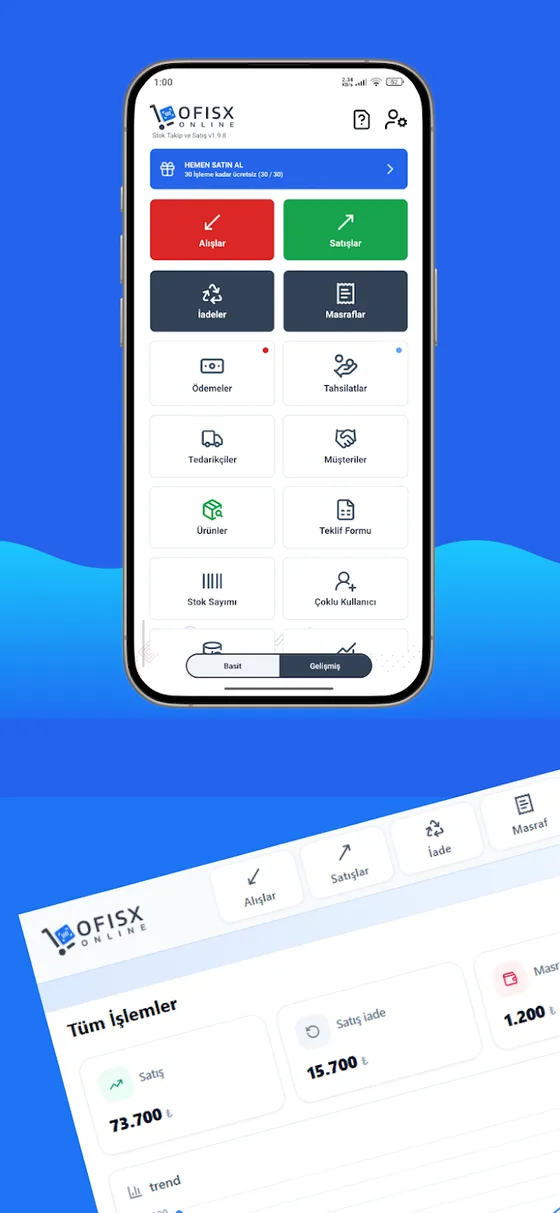
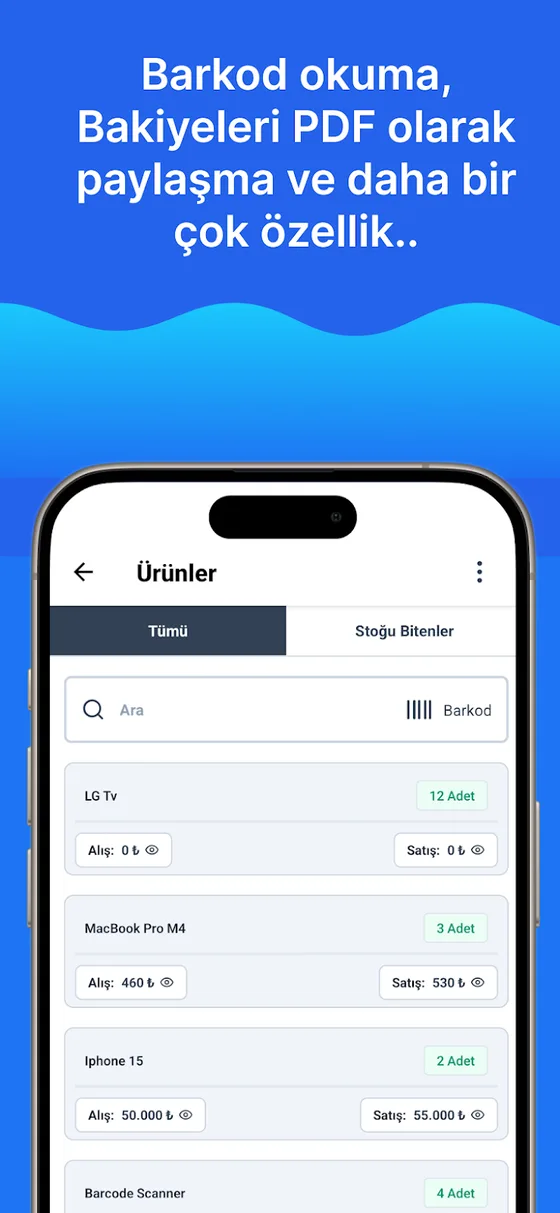
Reorder alerts in the app
Set a minimum level for each product and get a notification when stock drops below it.


Enter your reorder levels once and let the software do the tracking
Open a free account, import your Excel list and set the minimum level for each product.