
What is waste (shrinkage) and how do you keep a waste record?
Waste (called “fire” in Turkish) is goods that leave stock without being sold or used: products that are broken, spoiled, past their expiry date, lost, or reduced during processing and production all count as waste. Waste may not be entirely avoidable, but it should never go unrecorded; every item of waste is recorded on the day it happens with the date, product, quantity, reason and approver, and deducted from stock.
Waste that is not recorded does not disappear; it comes back on count day as a difference of unknown cause. This guide covers the types of waste, how it shows up in a store, how to keep a waste record, and the steps of a waste procedure.
Types of waste
| Type | What it means | Example |
|---|---|---|
| Breakage and damage | Products that are broken, crushed or have torn packaging during transport, stacking or when falling off a shelf. | A glass jar that fell off a shelf, items inside a crushed box |
| Spoilage and expiry date | Products that rot, mold, have a broken cold chain or cannot be sold because their expiry date has passed. | Expired yogurt, rotting fruit, day-old bread |
| Loss and theft | Loss where it is known where and how the goods went missing: goods seen being stolen, mistakenly handed over in excess to a customer, or lost in transport. | Shelf theft seen on camera, a box missing from a shipment |
| Production and processing waste | The part that arises while a product is being processed, cut, trimmed or produced and cannot be sold. | Bones and fat trimmed at the butcher, fabric cutting scraps, defectively produced parts |
| Natural shrinkage | Goods losing weight or volume through their own nature, with no mistake involved: evaporation, drying, loss of moisture. | Water loss in vegetables and fruit, bulk goods coming up short on the scale |
Spotting a product nearing its expiry date before it turns into waste is the same habit as noticing goods that have been sitting on the shelf for months; we explained how to list slow-moving products in the what is dead stock guide.
Waste in a store: a sample waste log
In a grocery store, waste occurs most in the fresh sections: expiry dates in dairy and deli, rot and water loss in produce, day-old bread in the bakery, trimming scraps at the butcher, broken glass bottles in the beverage aisle. Below is one store’s waste log for a single day; the products and quantities are only examples:
| Date | Product | Quantity | Reason | Identified by / approved by | Outcome |
|---|---|---|---|---|---|
| 25.09.2026 | Strained yogurt 1 kg | 6 units | Expiry date passed | Aisle attendant / store manager | Returned to supplier |
| 25.09.2026 | Tomatoes | 3,5 kg | Rot (trimming) | Produce manager / store manager | Destroyed |
| 25.09.2026 | Olive oil 1 lt glass bottle | 1 unit | Fell off the shelf and broke | Cashier / store manager | Destroyed |
Under agreements where the supplier takes back products past their expiry date, the goods go out as a return; that is why the “outcome” column shows whether the waste is really a loss to the business.
What a waste record must contain
Date. The day the waste was noticed. The period-end summary and the comparison with the count are based on it.
Product. Its name together with its code or barcode; writing the same product under two different names ruins the summary.
Quantity and unit. In whatever unit the stock is kept: pieces, kilograms, liters.
Reason. One of five types: breakage, spoilage/expiry date, loss/theft, production-processing, natural shrinkage. A fixed list instead of free text makes it possible to total by reason at the end of the period.
Identified by and approved by. Preferably two different people; if the person who writes the waste and the person who approves it are the same, there is no control.
Outcome. Return, discounted sale or destruction. For destruction, a separate record is also drawn up.
If you keep it in Excel, these six fields are six columns; to see the cost value, add the purchase price and a quantity × price column next to them.
Waste and count difference are not the same thing
| Waste | Count difference | |
|---|---|---|
| When it appears | On the day it happens (when it breaks, spoils, passes its date) | On count day |
| Cause | Known and written in the record | Not yet known; to be investigated |
| How it enters the record | As a waste record, with approval | As a count result adjustment |
| What it tells you | Which product went missing and for what reason | That a movement was skipped somewhere in the records |
If waste is recorded on time, it does not show up as a difference in the count. If part of a difference found in a count is later explained as “it was broken, it just wasn’t recorded”, the problem is not in the count but in the skipped waste record. How to find the difference on count day and close it out with its cause is covered in the how to do a warehouse count guide.
Waste procedure: six steps
1. Write down the waste reasons and who can approve
First put in writing which situations count as waste (the five types above) and who will approve it. Waste without an approval authority opens the gap of “it was written off as a loss, nobody asked”; for waste whose value exceeds a certain limit, adding a second approval is a common practice.
2. Separate the waste goods from sellable stock
Take the broken, spoiled or expired product off the shelf the same day and put it in a separate “waste” box or area. Waste left on the shelf is either sold by mistake or counted as sellable stock in the count.
3. Record it the same day
Write down each waste item on the day it happens: date, product (with code or barcode), quantity and unit, reason, person who identified it. In a waste record written from memory a few days later, the quantity and reason get lost; waste that never makes it into the record comes back on count day as an unexplained difference.
4. Get it approved and write the outcome
The authorized person sees the waste goods, approves the record and writes the outcome of the goods: return to the supplier, discounted sale if only partly damaged, or destruction. For destroyed goods, draw up a record showing who destroyed them, when and how; a photo of the broken product can also be added to the record.
5. Deduct from stock
Post the approved waste to the stock record so that the quantity in the system stays equal to what is on the shelf. Waste not deducted in the stock record is goods that look “in stock” until the next count but cannot be sold; the low stock alert also comes late for this reason.
6. Summarize at period end
At the end of the month or quarter, total the waste records by product and by reason. Which product has the most waste and for what reason can be read from this summary. Send the waste list together with its cost value (quantity × purchase price) to your accountant; the accounting entry is based on that list.
Waste rate
When the waste record is kept regularly, the waste rate for the period can also be calculated; comparing by product or section shows where waste is concentrated. To work out the calculation with examples, you can use the free waste rate calculator.
The accounting side
Waste is goods deducted from the stock record and it has an accounting counterpart as well. However, how waste is documented, which records are required, its status for tax purposes and what to do regarding VAT depend on the legislation and the type of waste — consult your accountant on this. The job on the warehouse side is to keep complete the list your accountant will need: date, product, quantity, reason, approver, outcome and cost value.
Waste in Ofisx
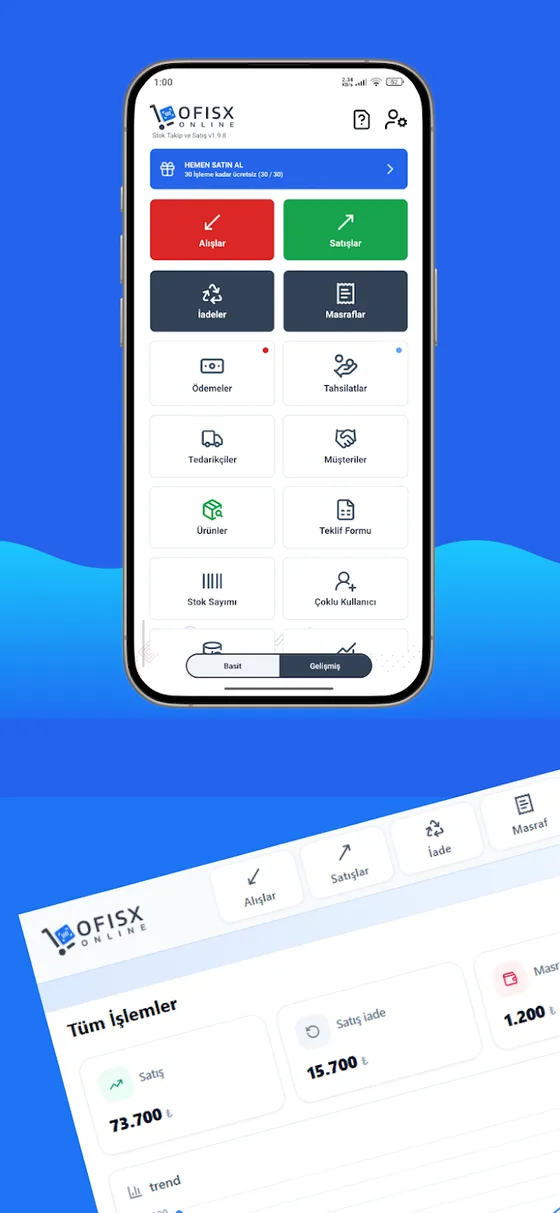
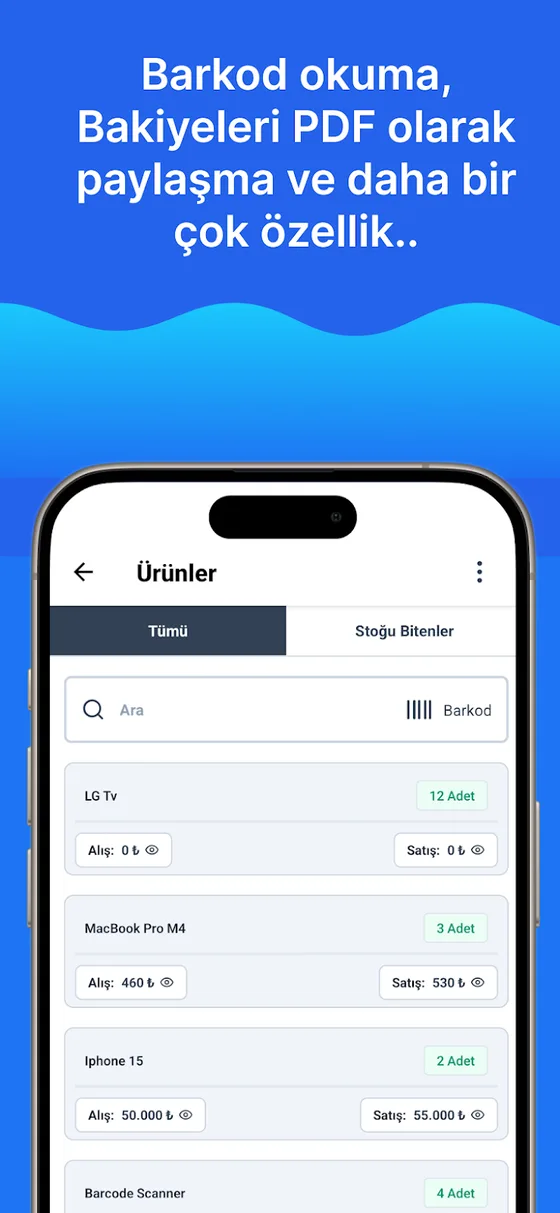
Ofisx has no separate waste or write-off record screen. The way to reflect waste in stock is the Stock Count screen: you scan or search for the product with waste and enter the quantity left on the shelf, the screen shows the difference as Short or Over; when you tap Apply Count, only the stock of the products you counted is updated to the counted quantity. This screen has no reason or note field; keep the reason, approver and outcome of the waste in a separate waste log (paper or Excel) with the fields above. If you are sending damaged goods back to the supplier, you can use the Supplier return type in the Returns section. For the whole picture of how movements are posted to the record, see the how to track warehouse stock guide.
Frequently asked questions
What is waste (shrinkage)?
Waste is goods that leave stock without being sold or used: products that are broken, spoiled, past their expiry date, lost, or reduced during processing and production count as waste. Waste is goods that appear to be on the shelf but cannot be sold; that is why it should be recorded and deducted from stock on the day it happens.
What is waste in a store?
Waste in a store is products that leave the shelf without being sold: dairy past its expiry date, rotting fruit and vegetables, day-old bread, broken glass bottles and jars, cutting and trimming scraps at the deli and butcher. The fresh sections are where the most waste is recorded; each section’s waste is written down the same day with the product and its reason.
How is waste recorded in accounting?
The accounting entry for waste, the document and record requirements, its status for tax purposes and what to do regarding VAT depend on the legislation and the type of waste; consult your accountant on this. The job on the warehouse side is to keep complete the list your accountant will need: date, product, quantity, reason, approver and cost value.
Are waste and write-off the same thing?
In everyday speech they are often used interchangeably; both describe goods that leave stock without being sold. Which term and which document to use in official records is a separate matter; ask your accountant.
What is the difference between waste and a count difference?
Waste is a loss whose cause is known and which is recorded on the day it happens. A count difference is a shortage or surplus that appears on count day and whose cause is not yet known. If waste is recorded on time, it does not show up as a difference in the count; unrecorded waste turns into a count difference whose cause has been lost.
How is the waste rate calculated?
The quantity or value of waste in the period is divided by the relevant stock quantity or value for the same period. To work out the calculation with examples, you can use the free waste rate calculator.
What is a waste procedure?
An internal rule that sets out in writing how waste is identified, who approves it, how it is recorded and what happens to the goods. Its basic steps: set the reasons and approval authority, separate the waste goods, record it the same day, get it approved and write the outcome, deduct it from stock and summarize at period end.
Last updated: 2026-09-25
Stock count and barcode in/out in the app
Scan and enter the quantity left on the shelf; stock is updated to the counted quantity.


Keep the quantity in stock equal to what is on the shelf
Open a free account and import your Excel product list; sales, goods receiving and counts come together in the same record.